
Flickering LED kitchen lights and buzzing sounds are common and frustrating issues, but they are usually caused by problems with dimmer compatibility, wiring, or power regulation rather than the LED fittings themselves.
In this guide, you’ll learn:
- Why LED lights flicker (electrical + driver mistakes)
- Why buzzing happens + how to silence it forever
- Quick DIY checks before calling an electrician
- The 6 most common wiring + driver issues
- How to prevent flicker in new installations
- IDEAL dimmers, drivers + bulb compatibility
- A simple troubleshooting process you can follow today
Table of Contents
First – What Counts as Flicker?
Flicker appears as:
- Light pulsing on & off
- Low-level shimmering, almost like TV refresh lines
- Visible strobing while filming on your phone
- Light brightness waves when dimming
- Sensitive people might feel eye strain or headache
Flicker can range from subtle to severe, but it should not occur in a correctly installed system.
Either way → not normal.
Pro Tip: The Smartphone Camera Test
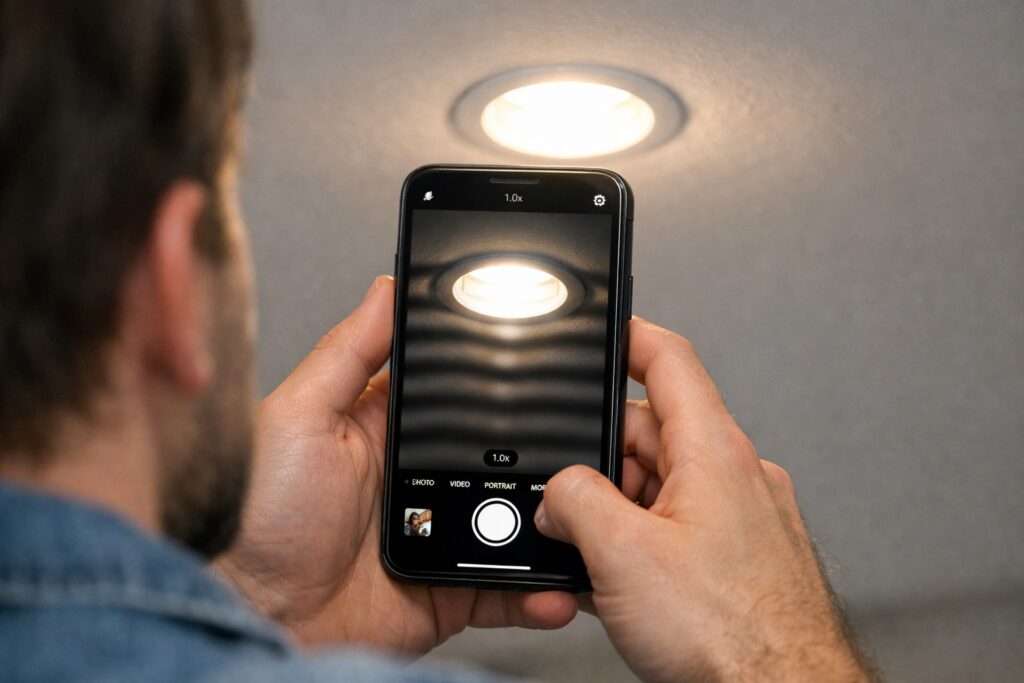
Not all flicker is visible to the naked eye. To check for “invisible ripple flicker” (which is a major cause of eye strain while cooking), open your phone’s camera app and point it directly at your kitchen lights. Lower the exposure slightly by tapping the screen and dragging the brightness slider down. If you see thick, dark bands rolling across your screen, your LEDs are suffering from poor electrical regulation or an incompatible driver.
What Counts as Buzzing?
Buzzing/ humming sounds like:
- A constant drone behind cabinets
- A transformer-like hum in the ceiling
- Electrical crackle when dimming
- Vibration inside the fitting or driver
LEDs should be silent.
If they’re making noise, something’s wrong.
Why Flickering LED Kitchen Lights Happen (The REAL Causes)
LEDs run on low-voltage DC
Your home runs on high-voltage AC
So LEDs rely on drivers + circuits to convert power.
When those parts don’t match, you get flicker.
Main flicker causes:
- Incompatible dimmer switches
- Underpowered or low-quality LED driver
- Voltage drop on long cable runs
- Loose wiring connections
- Cheap bulbs with unstable current regulation
- Too many fittings on one driver
- Old halogen-style dimmers used with LEDs
- Ripple emitted by microwave/ extractor circuits
LEDs aren’t the problem — the system behind them is.

Quick Troubleshooting: Step-by-Step Fix
Follow this sequence to identify common causes:
Step 1 – Check if flicker happens only when dimming
If yes → dimmer is incompatible.
Fix:
Replace with an LED-compatible trailing-edge dimmer.
Step 2 – Swap in ONE known-good LED bulb
If flicker stops → original bulb is faulty or low quality.
Step 3 – Check driver load capacity
Too many lights? Driver overloaded.
Too few lights? Driver underloaded.
Either situation can result in flickering.
- Match driver wattage to total LEDs
- Ideal load = 70–90% driver rating
- Avoid 0% or 100% extremes
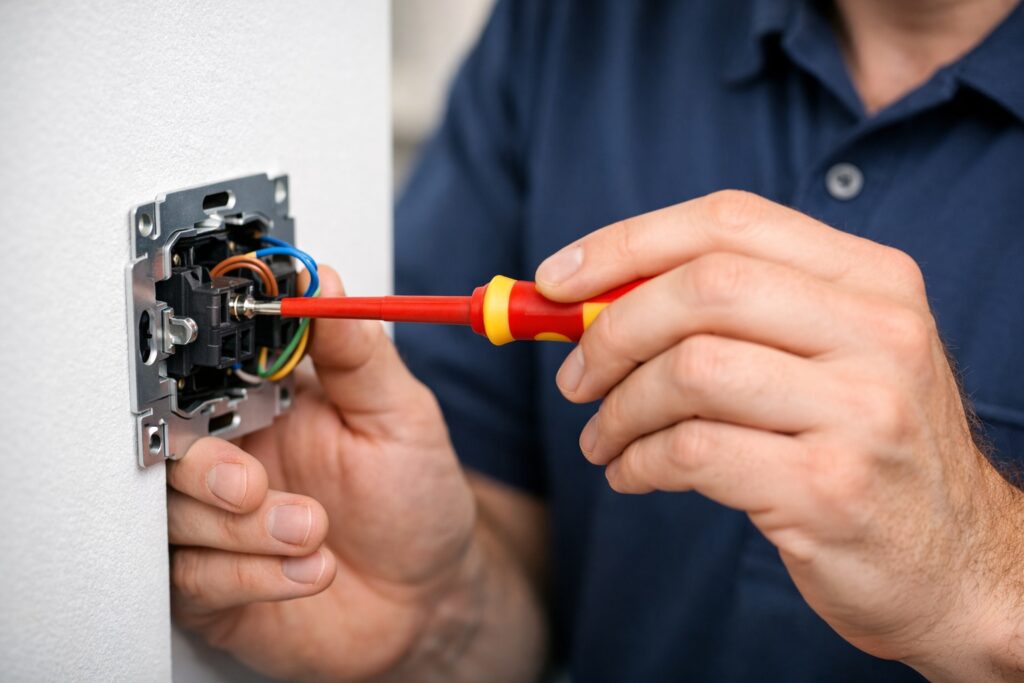
Step 4 – Look for loose connections
Live, neutral, and earth connections should all be secure.
Loose = intermittent flicker.
Step 5 – Check for voltage drop
Are lights furthest from driver flickering worst?
Long wire runs = power loss.
Fix = thicker gauge cable or extra driver.
Step 6 – Add EMI suppression
Induction hobs + big fridges create electrical noise.
Flicker happens if LEDs share circuits.
Move heavy appliances to separate feed where possible.
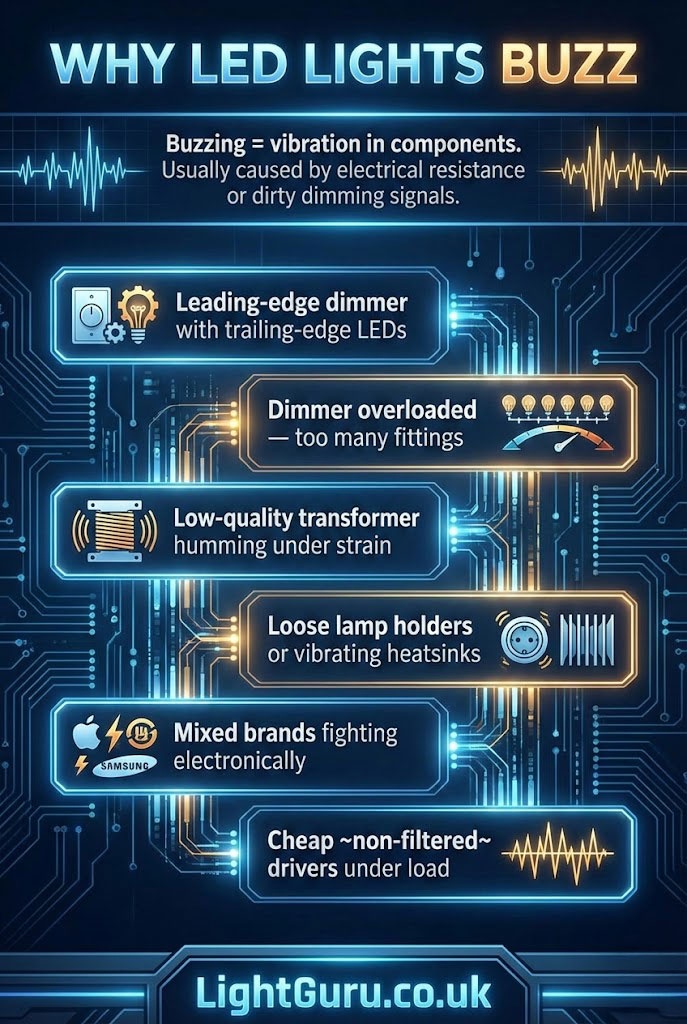
Why LED Lights Buzz
Buzzing = vibration in components.
Usually caused by electrical resistance or dirty dimming signals.
Main causes of buzzing:
- Leading-edge dimmer with trailing-edge LEDs
- Dimmer overloaded — too many fittings
- Low-quality transformer humming under strain
- Loose lamp holders or vibrating heatsinks
- Mixed brands fighting electronically
- Cheap ~non-filtered~ drivers under load
Buzzing is caused by vibration within electrical components.
Dimmer Compatibility – The Big One
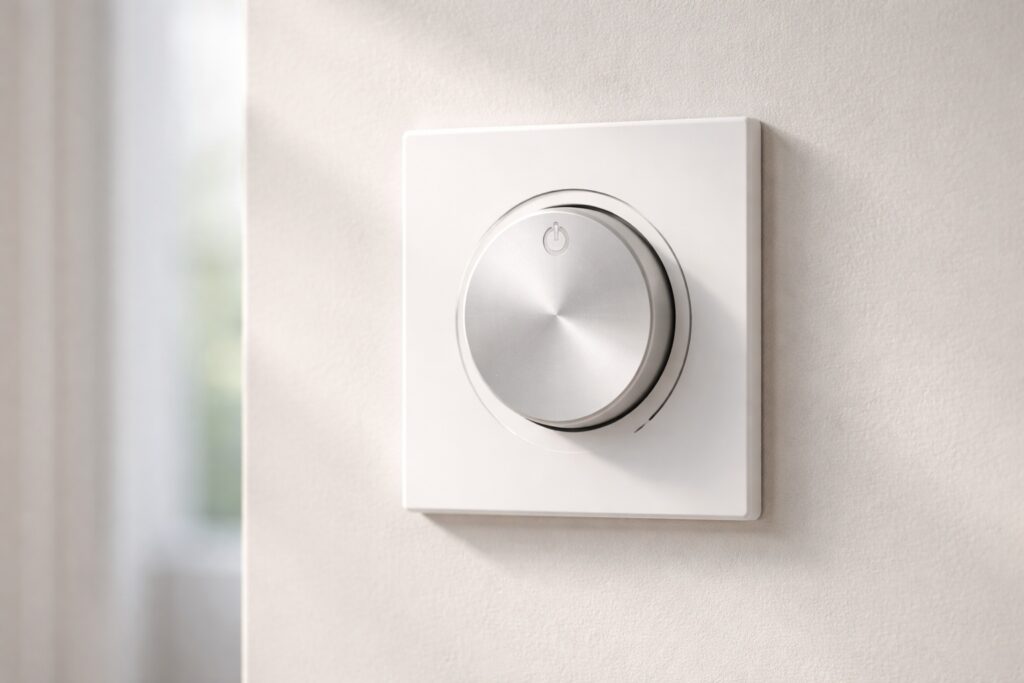
If your LED lights flicker or buzz only when dimmed, your dimmer switch and your LEDs are mismatched. This is the most common cause of lighting noise.
Older dimmer switches (known as Leading-Edge dimmers) were originally designed to handle the high resistive load of traditional incandescent and halogen bulbs. They typically have a high minimum load requirement (often 50W or more). Because modern LED kitchen lights are incredibly energy-efficient, a whole circuit might only draw 20W. This falls below the leading-edge dimmer’s minimum requirement, causing it to chop the electrical current erratically. This aggressive switching vibrates the components inside the bulb (causing the buzz) and disrupts the light output (causing the flicker).
You want:
- A Trailing-Edge LED dimmer. Trailing-edge dimmers use advanced electronics (like MOSFET transistors) to cut the voltage smoothly at the end of the AC waveform, making them silent and perfectly suited for the low capacitive loads of LED drivers.
- An LED-specific compatibility list from the manufacturer.
- A minimum load rating BELOW your total LED wattage.
(Note: Always ensure any electrical work complies with the UK BS 7671 Wiring Regulations, and consult a qualified electrician if you are unsure).
Drivers – The Hidden Hero
Think of the driver like a power translator.
Bad translator = miscommunication = flicker + buzz.
Signs you need a better driver:
- Flicker over time, worse at night
- Buzz that starts only when dimming
- LEDs flash on start-up
- Some fittings stay faintly glowing when off
Best fixes:
- Use constant-current drivers for consistent output
- Choose enough wattage headroom (20–30% spare)
- Avoid cheap imports with no ripple suppression
- Use one driver per zone — not “house party daisy chain” wiring
Higher-quality drivers generally provide more stable output.
Ripple Flicker – The Type You Don’t See (But Feel)
Even if you can’t visually notice flicker, the body sometimes can:
- Some people report discomfort or eye strain under high ripple conditions.
- Sensitivity under bright prep lighting
This happens when LED ripple is high.
Fix: Choose LEDs under 5% ripple (flicker-free rated). Most high-end brands carry this as standard. This is just as important as choosing the best colour temperature for kitchen lighting to ensure a comfortable cooking environment.
Quick Diagnosis Cheat Sheet
| What You Experience | When It Happens | The Most Likely Culprit | The Fix |
| Loud buzzing from the wall switch | When dimming | Incompatible Leading-Edge dimmer switch | Replace with a Trailing-Edge LED dimmer |
| Lights pulse steadily like a heartbeat | All the time | LED Driver is overloaded or underloaded | Check total wattage and replace driver |
| Random flickering/flashing | Intermittently | Loose wiring connection or voltage drop | Tighten connections; check cable thickness |
| Faint glowing or flashing | When the switch is OFF | Electrical leakage / induced voltage | Install a load resistor (snubber) |
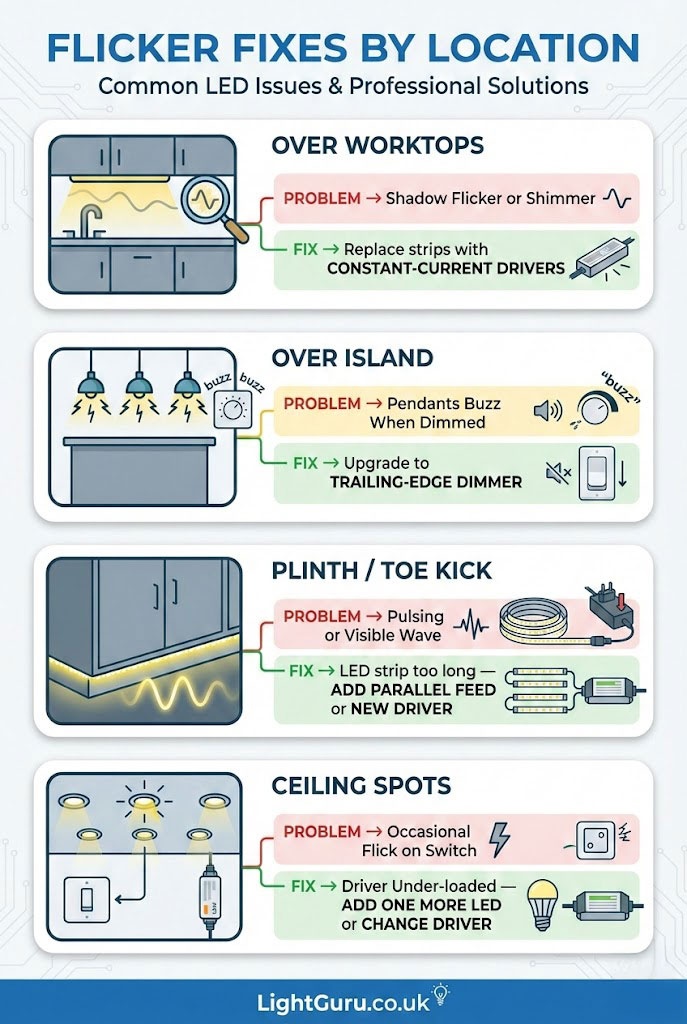
Flicker Fixes by Location
Over Worktops
Problem → shadow flicker or shimmer
Fix → replace strips with constant-current drivers
Over Island
Problem → pendants buzz when dimmed
Fix → upgrade to trailing-edge dimmer
Plinth / Toe Kick
Problem → pulsing or visible wave
Fix → LED strip too long — add parallel feed or new driver
Ceiling Spots
Problem → occasional flick on switch
Fix → driver under-loaded — add one more LED or change driver
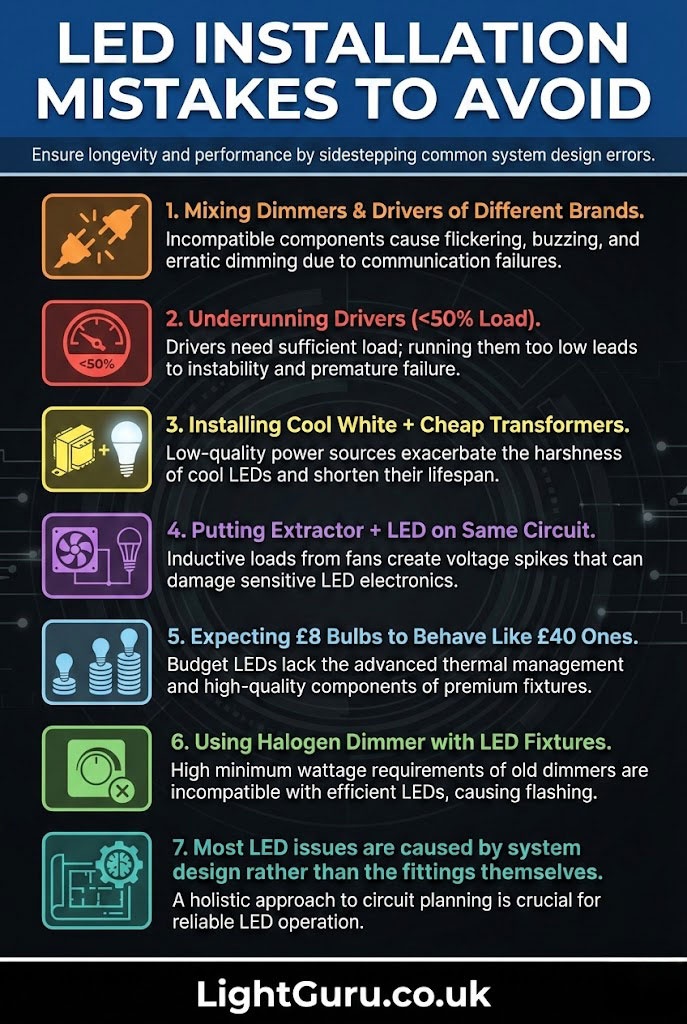
Mistakes to Avoid
- Mixing dimmers + drivers of different brands
- Underrunning drivers (<50% load)
- Installing cool white + cheap transformers
- Putting extractor + LED on same circuit
- Expecting £8 bulbs to behave like £40 ones
- Using halogen dimmer with LED fixtures
Most LED issues are caused by system design rather than the fittings themselves.
Prevent Flicker BEFORE IT HAPPENS
For future installs – use this checklist:
| Component | Best Choice |
|---|---|
| Dimmers | Trailing-edge LED dimmable |
| Drivers | Constant-current, low ripple |
| Wiring | Correct gauge, short runs |
| Bulbs/Strips | CRI 90+, flicker-free rated |
| Load | 70–90% of driver capacity |
| Colour Temp | 2700–3000K for comfort |
Consistent lighting performance depends on correct planning and component selection.
When to Call an Electrician
Call a pro if:
- Buzzing comes from fuse box
- Dimming causes switch overheating
- Lights flicker even with correct hardware
- You’re not confident rewiring live circuits
LED troubleshooting is safe –
until it isn’t.
Electrical work should only be carried out by a qualified professional where required.
FAQs
Why do LED kitchen lights flicker when turned off?
This “spooky” phenomenon is usually caused by induced voltage or a tiny amount of electrical leakage in the switch. Because LEDs require incredibly little power to light up, even a fraction of a watt leaking through the circuit—often from a smart switch, a dimmer with an indicator light, or cables running closely together—is enough to charge the LED’s capacitor until it flashes or faintly glows. The fix usually requires an electrician to install a simple load resistor (often called a snubber) across the circuit.
Why do they buzz only when dimmed?
Buzzing is the sound of physical vibration inside the electrical components. When an incompatible dimmer chops up the alternating current (AC) from your mains power to lower the brightness, it creates harsh electrical spikes. These spikes cause the internal components of the LED bulb or the transformer to vibrate rapidly, creating an audible hum. Swapping to a high-quality trailing-edge dimmer smooths out these spikes, silencing the buzz.
Can cheap bulbs cause flicker?
Low-quality drivers can result in unstable output.
Should all LEDs in a zone be same brand?
Highly recommended – stops conflict noise.
Does flicker damage LEDs?
While the flickering itself isn’t necessarily dangerous, the underlying cause absolutely damages the lifespan of your kitchen lights. The erratic voltage and current spikes that cause the flicker force the LED’s internal driver to work in overdrive. This generates excess heat, which degrades the diodes and can cause a bulb rated for 20,000 hours to burn out in just a few months.
Conclusion
Flickering and buzzing in LED kitchen lighting are usually caused by compatibility or installation issues rather than faults with the LEDs themselves. Identifying the source of the problem, such as dimmer compatibility, driver loading, or wiring, makes it possible to resolve most issues effectively.
Using suitable components and following good installation practice helps ensure LED kitchen lighting operates quietly and consistently over time.